The cockpit becomes the shell: one screen to run the whole factory
A fleet-wide command palette, a 'needs you' inbox, a portal switcher, and a full light mode land in Mission Control — with a one-page showcase ready to download.
The cockpit has always been where you watch the factory. This round of work made it where you run it — and turned the four portals into a single product.
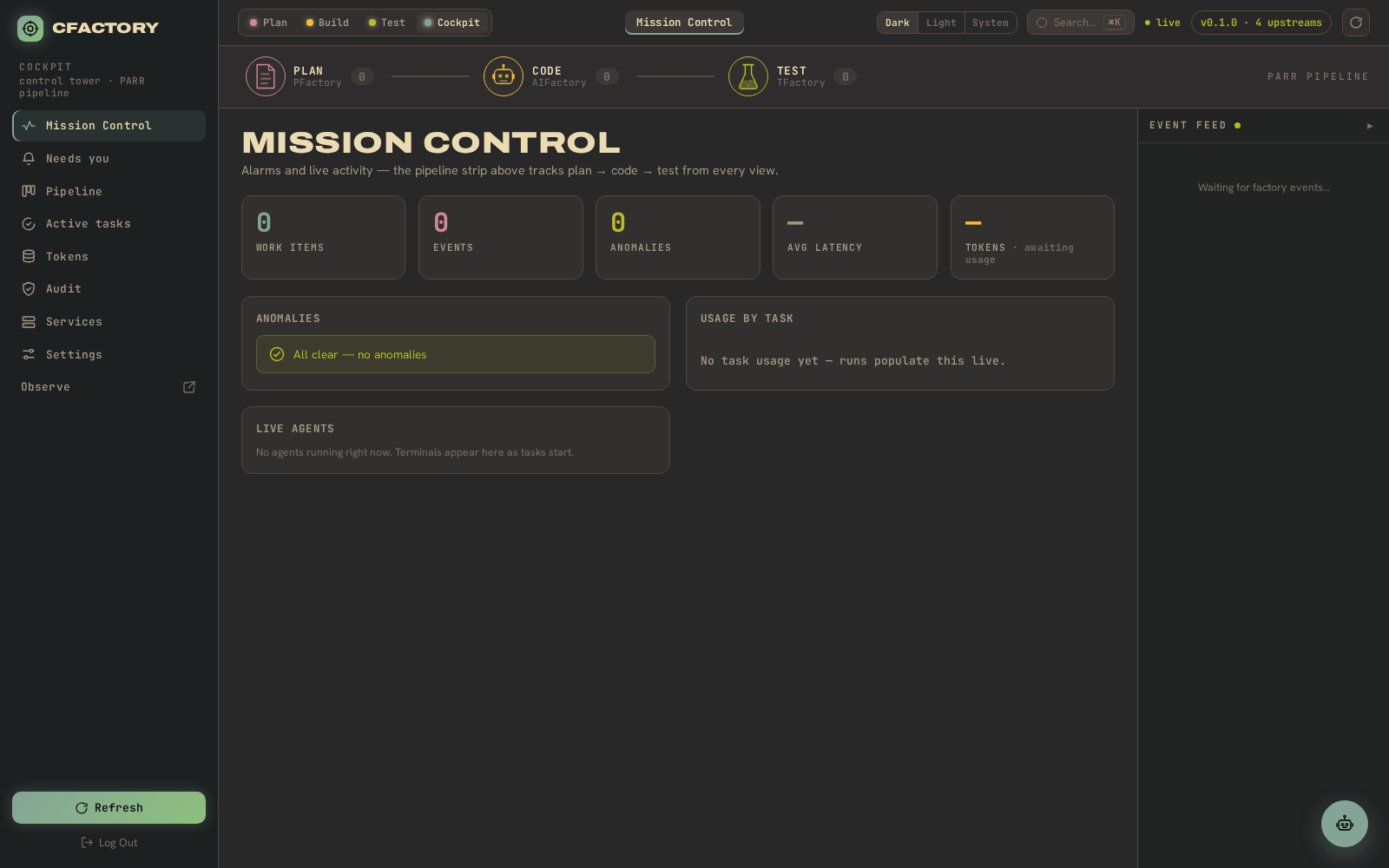
What landed
- A global command palette. Press Cmd-K anywhere and search across every portal’s work at once — plan sessions, build tasks, verify runs — then open any of them, with a deep-link straight into its cross-portal task view. It is backed by a new federated search endpoint that indexes the whole fleet.
- A “Needs you” inbox. Every task blocked on a human — a plan awaiting approval, a build waiting for review, a stalled worker — is collected fleet-wide into one prioritised queue, with a live badge on the Cockpit chip in every portal so the number follows you around.
- A portal switcher. Plan, Build, Test, and Cockpit sit in one top bar; the cockpit is one click from any of them.
- A full light mode. A complete Gruvbox light theme with a Dark / Light / System toggle, alongside the signature dark cockpit.
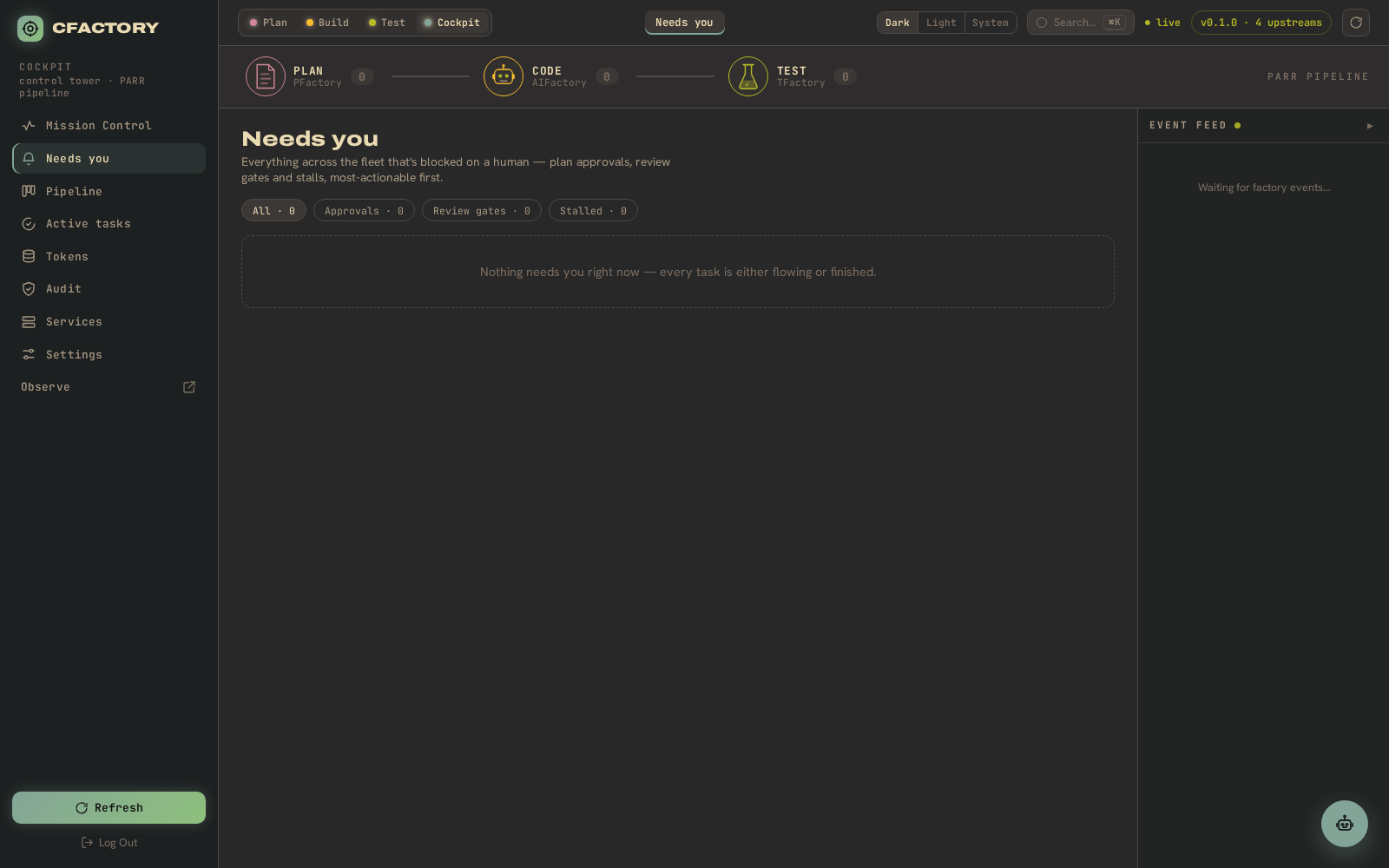
More accurate, too
We also corrected the cockpit’s cost reporting: it had been pricing Claude Opus at its old, higher rate and over-stating spend three-fold. The token and cost views now reflect the real, current model prices.
Download the showcase
A one-page summary of the cockpit, captured from the live product:
CFactory — one-page showcase (PDF)
The path forward
Next: richer live execution diagrams, sharper cost and stall detection, and a cockpit that stays the one screen an operator needs to run the whole factory.