Cockpit gallery
A captioned tour of the CFactory cockpit, captured against the live cluster on 21 June 2026. Every shot is real data from the running control tower – real work items, real failures, real in-flight runs. For the story behind this set, see the blog post The cockpit shows the graph, the mode, and the logs.
Mission Control
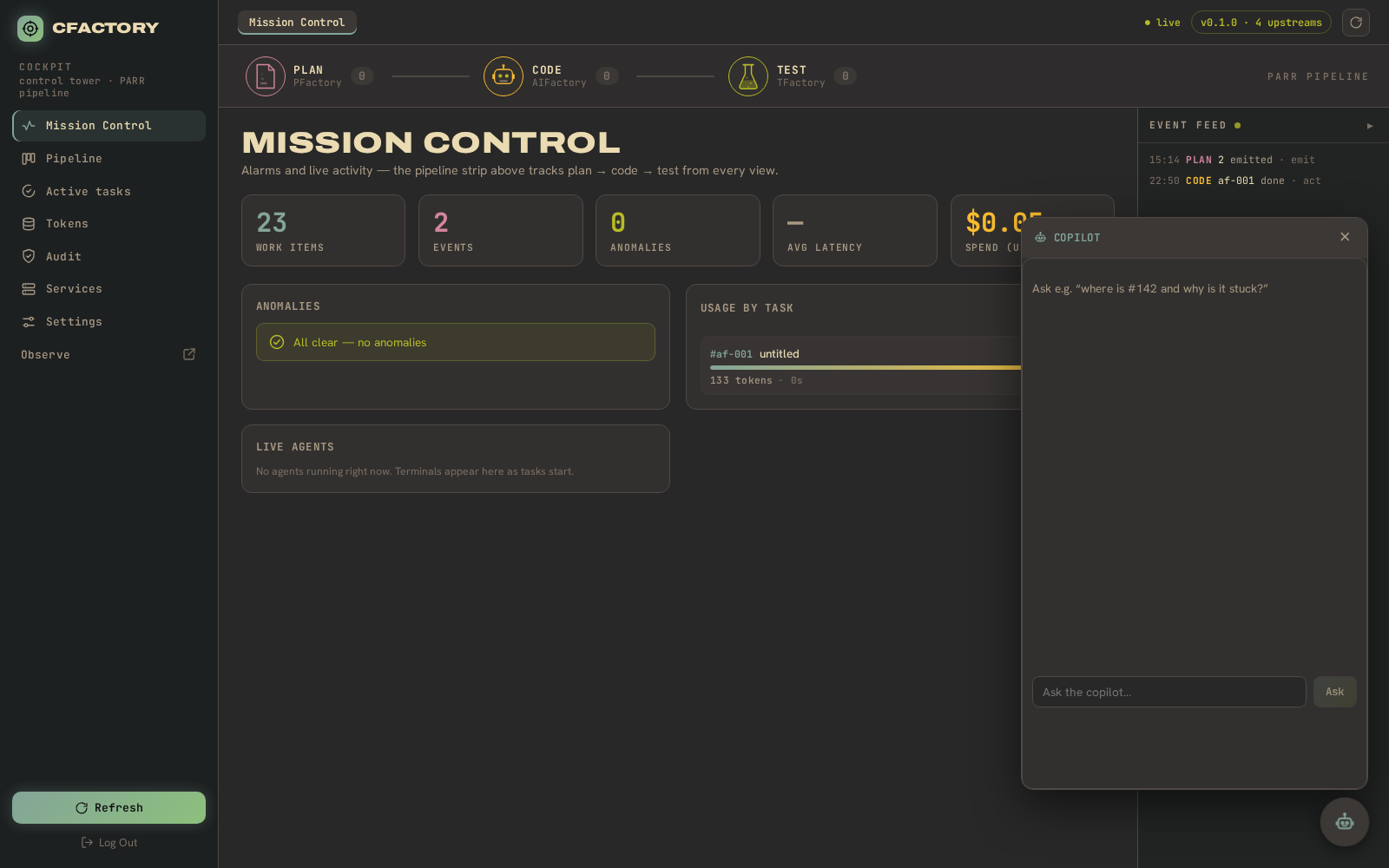
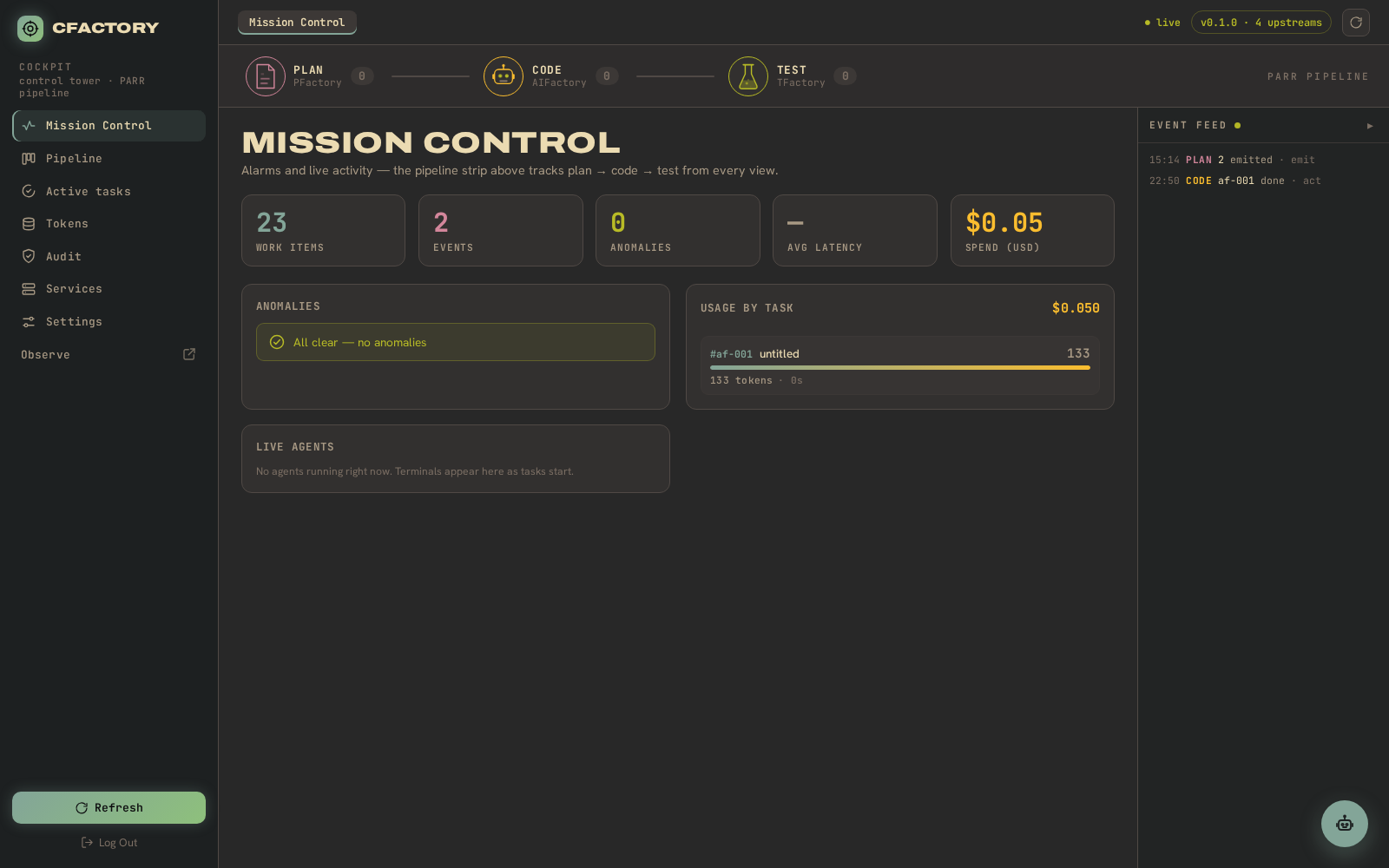
The landing view. The PARR pipeline strip across the top tracks plan to code to test from every view; below it are the work-item, event and anomaly counts, the anomalies panel (here listing the three failed runs), the live agents row, and a live event feed.
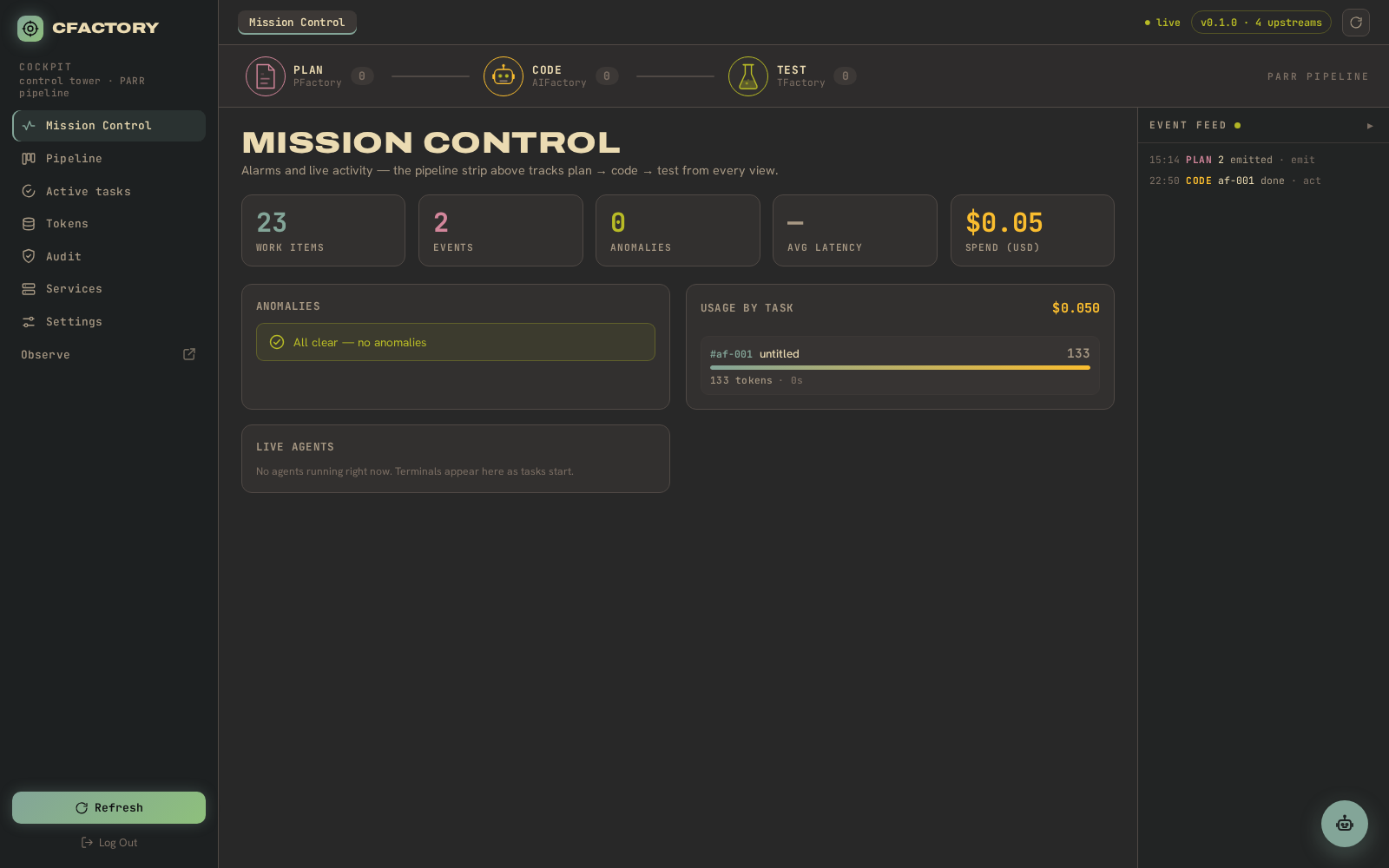
A cleaner full-page view of the same screen:
Pipeline board
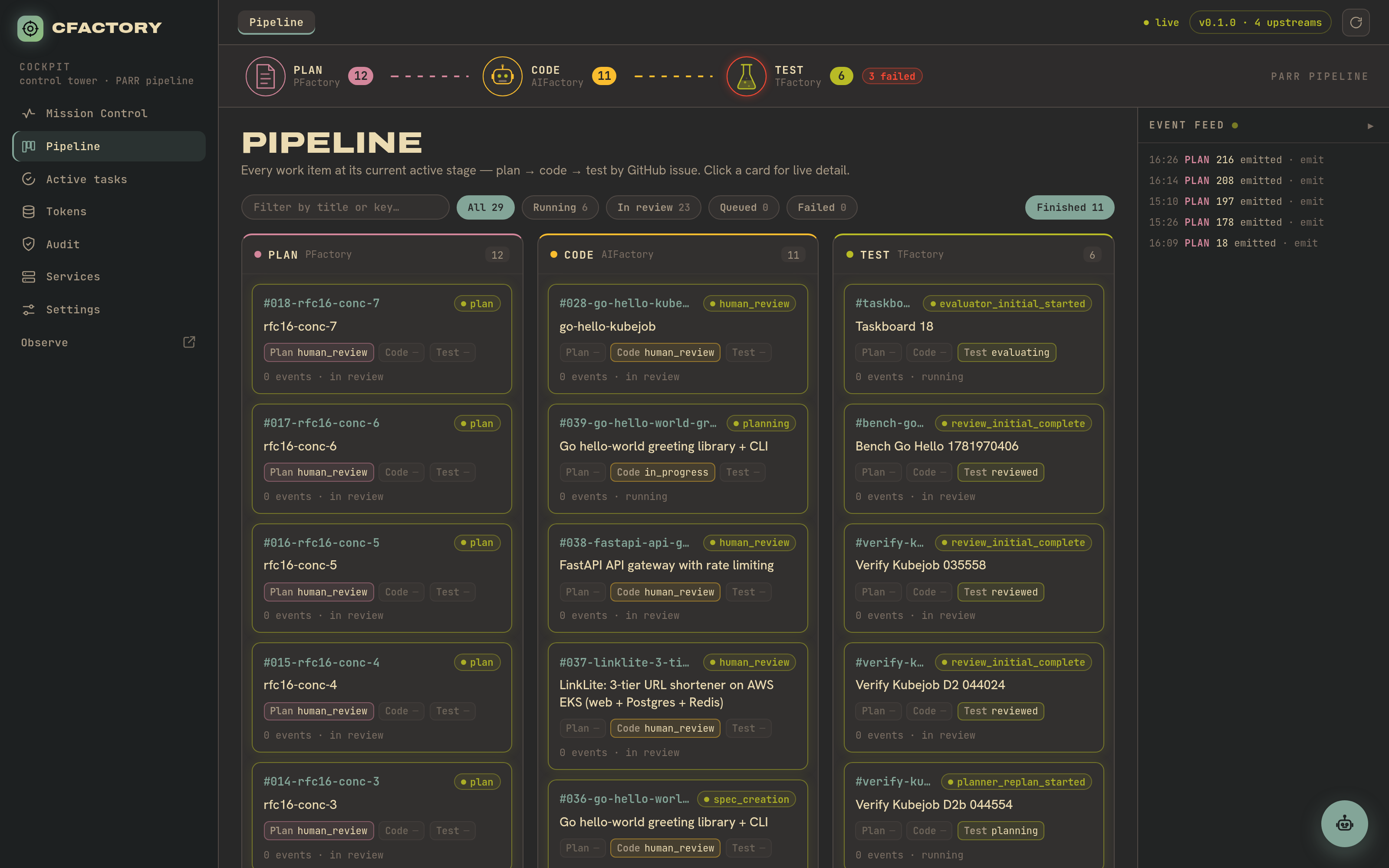
The plan / code / test columns. Each card is a work item; click one to open its detail.
Expand the Finished section and the done, failed and in-review items join the board.
Task detail and the live execution graph
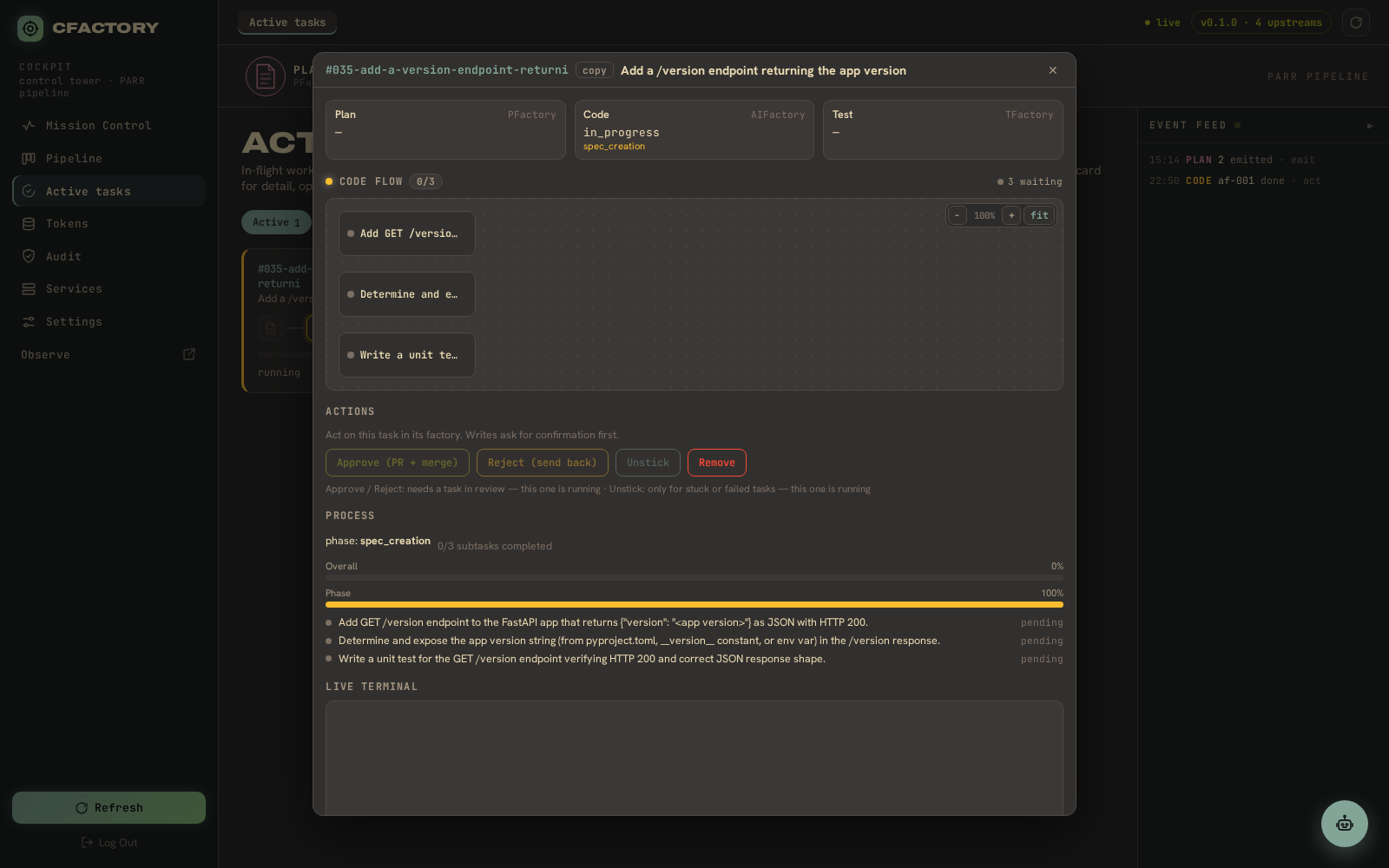
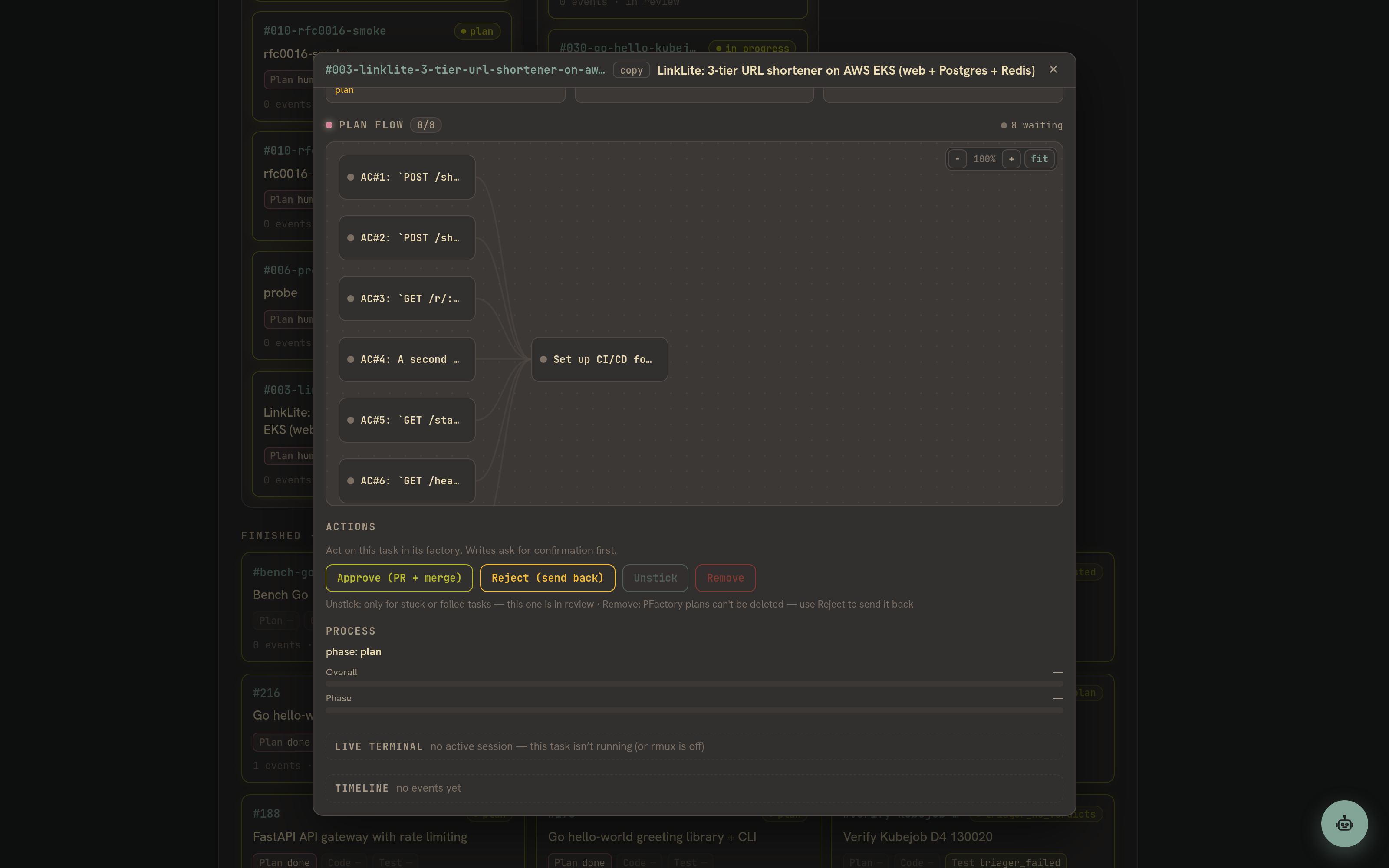
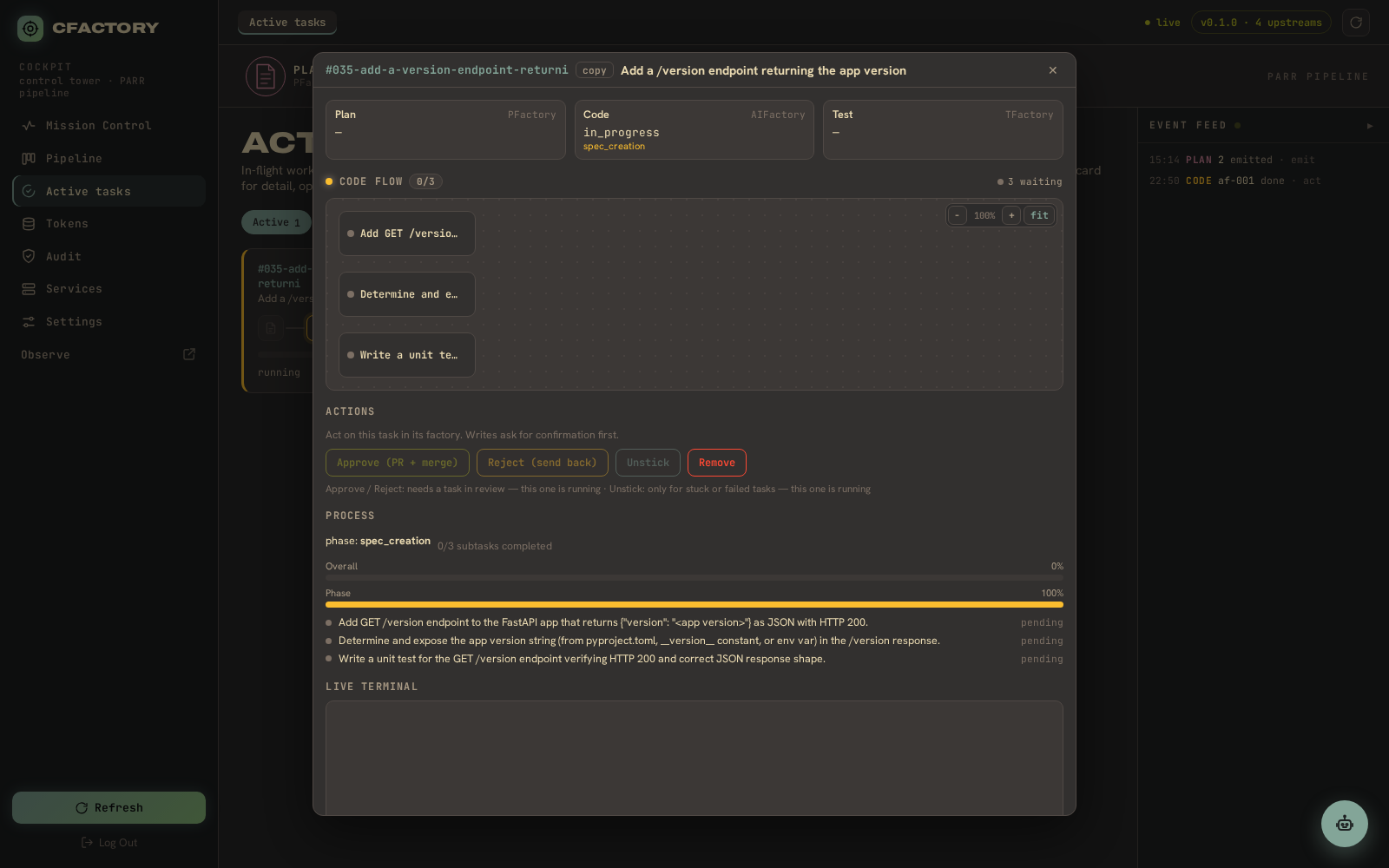
Open a work item and the detail view draws the live execution graph for the engaged stage – hand-rolled SVG over node cards, pannable and zoomable, in the gruvbox stage palette. The PARR stage strip at the top shows all three lanes; below the graph are the in-factory actions and a live terminal panel.
Scrolled to surface more of the graph and the process detail:
A successful, completed run:
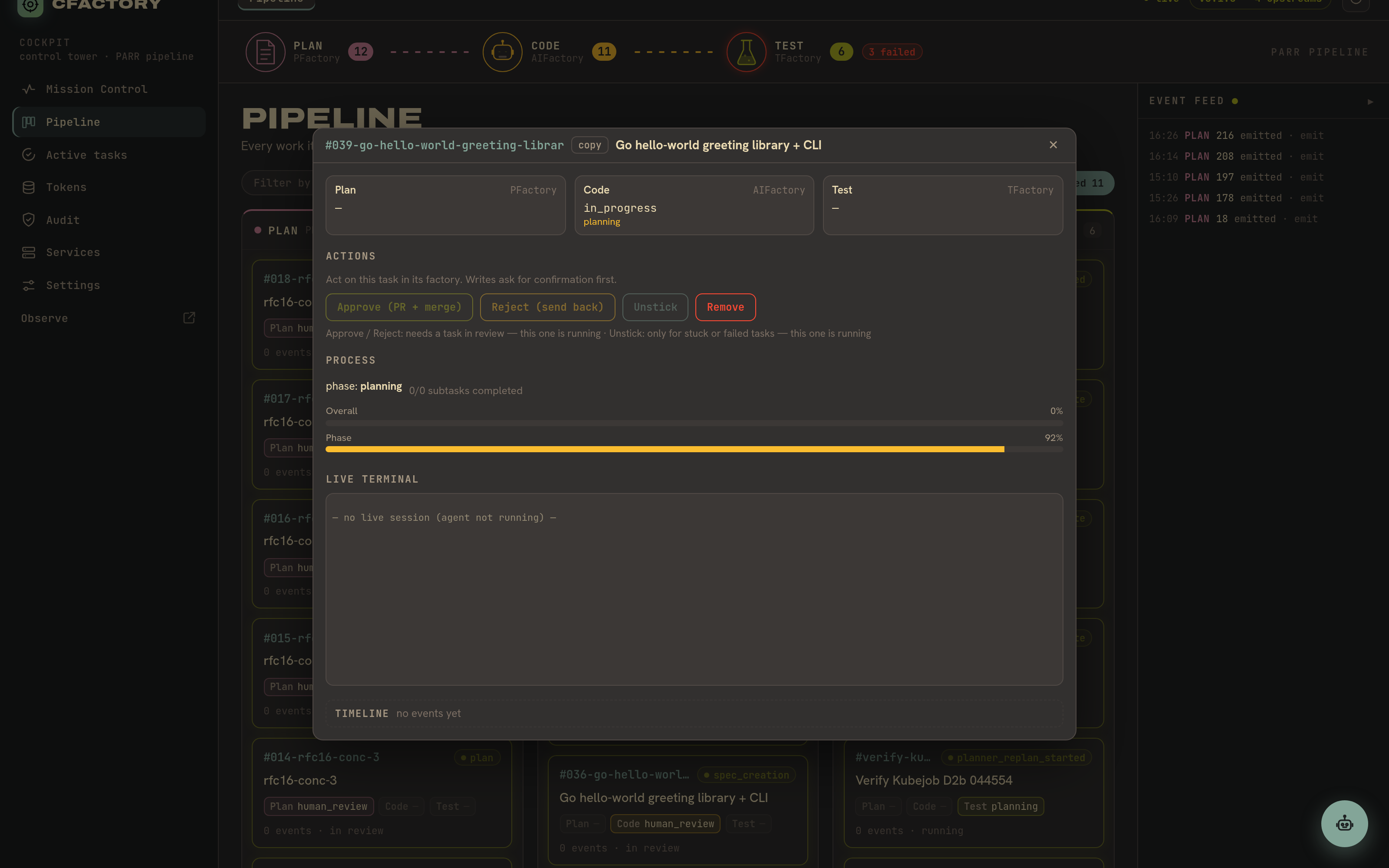
A failed run – the test stage marked Failed, the upstream reason shown verbatim, with unstick and remove controls:
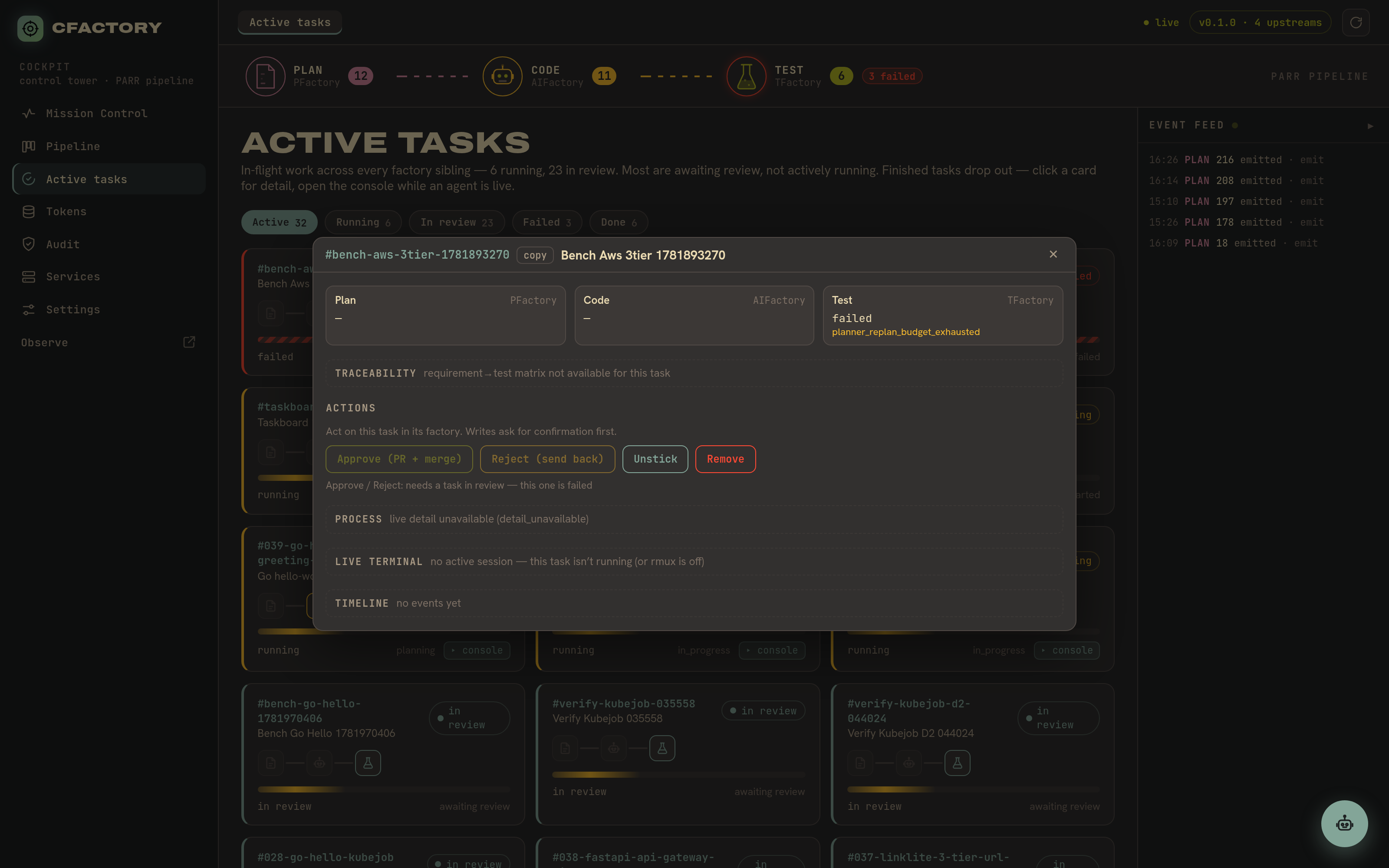
Active tasks
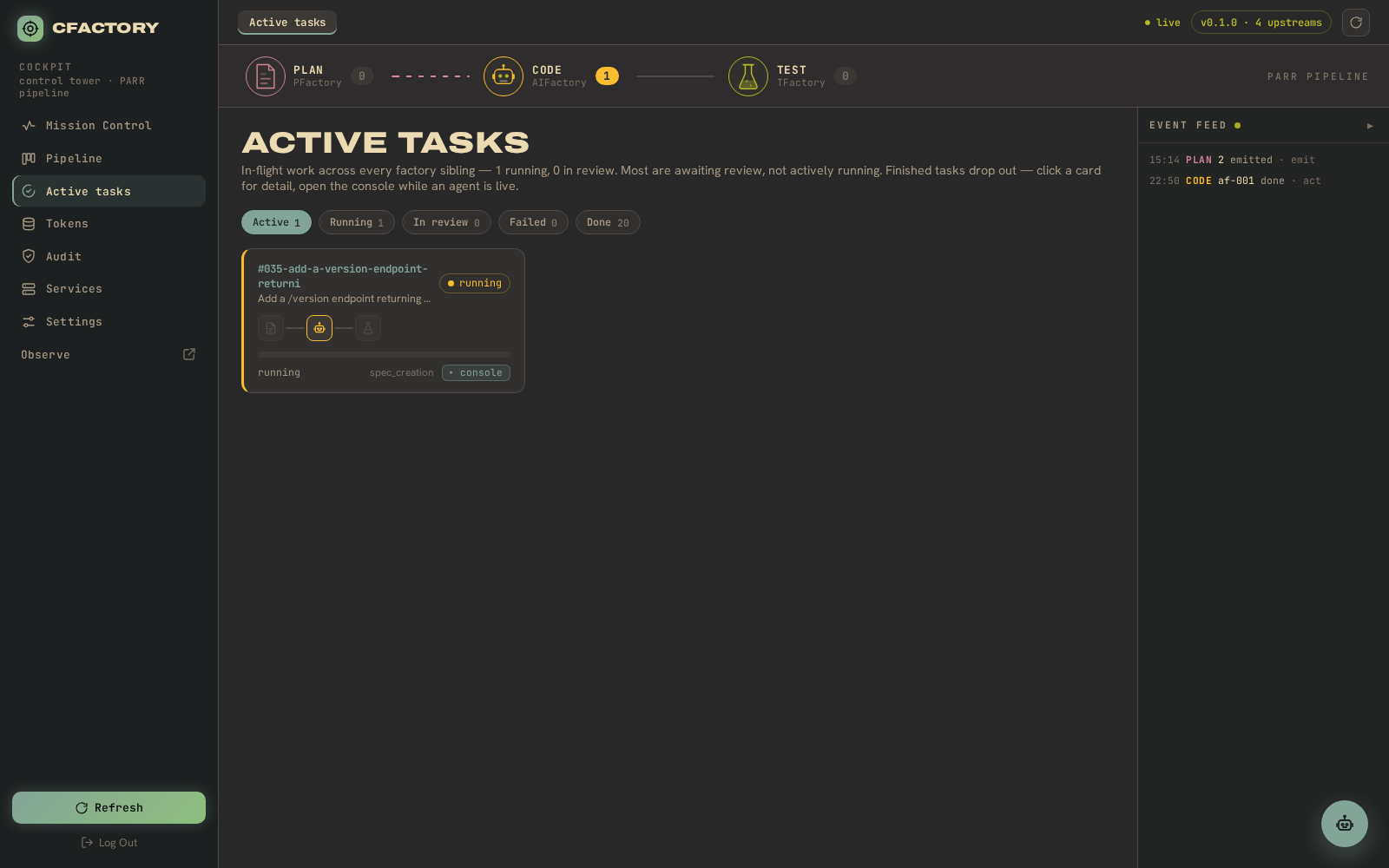
The live floor of the factory: every in-flight run, filterable by state, with per-stage progress. Most work items are awaiting review rather than actively running, and the view says so.
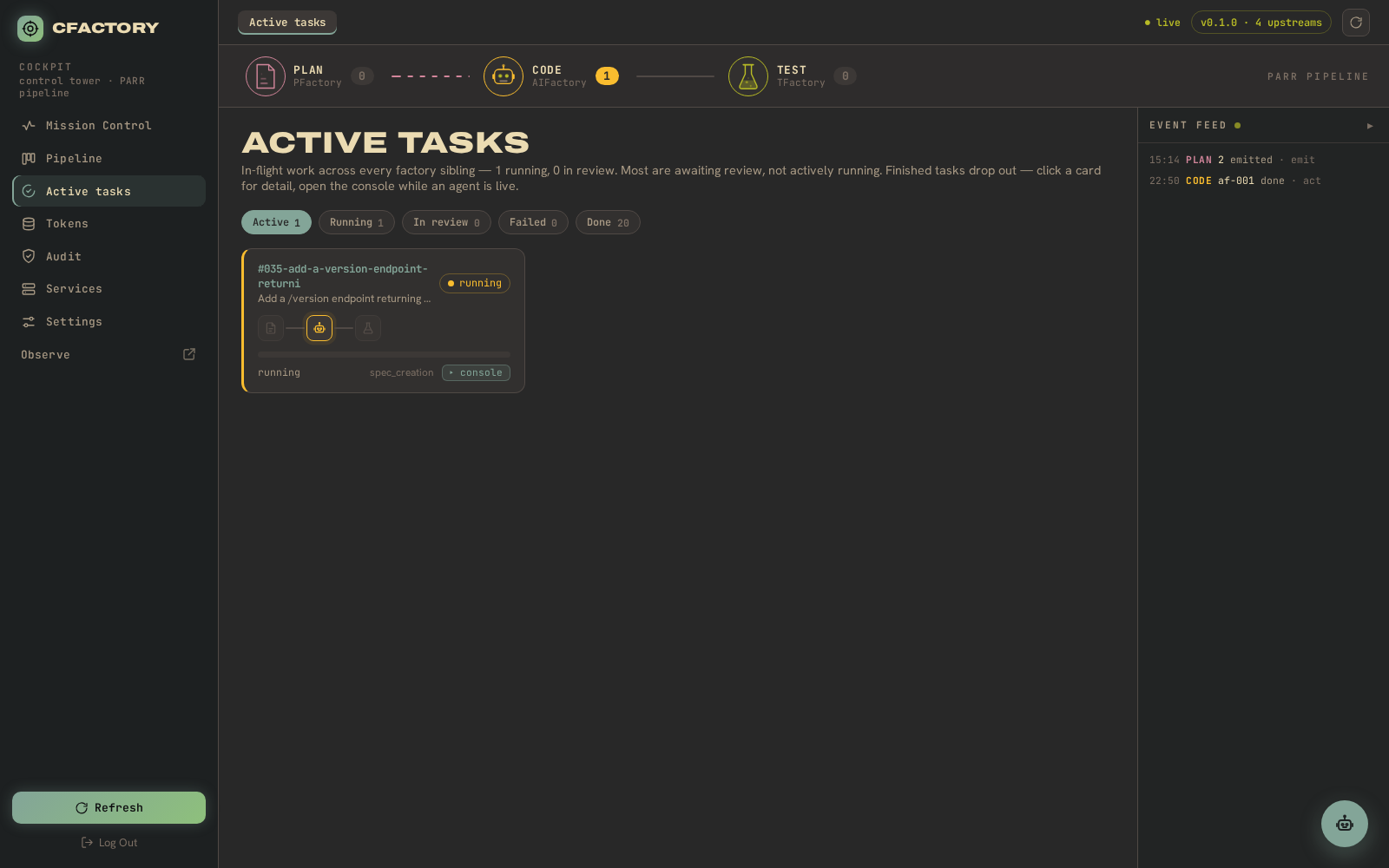
An in-progress task opened from the active view, its test stage still evaluating:
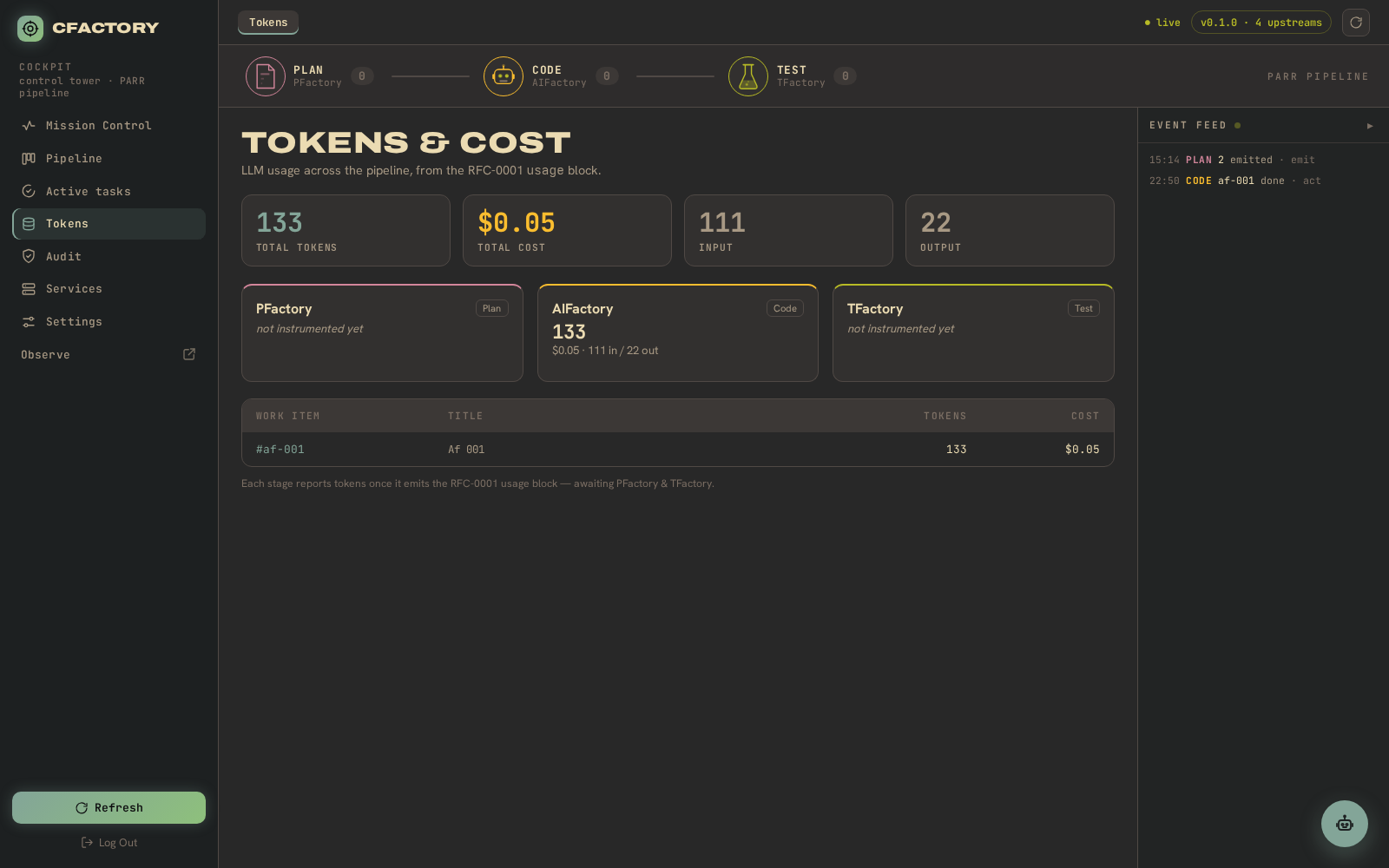
Tokens and cost (billing-mode aware)
LLM usage across the pipeline. The page tells metered runs (real per-token dollars) apart from subscription and local runs (reported in tokens and time, not dollars). Each factory stage gets its own card; the per-work-item table breaks spend down by task. Per-worker token observability is still being completed upstream, so freshly run tasks may read “no token usage recorded yet”.
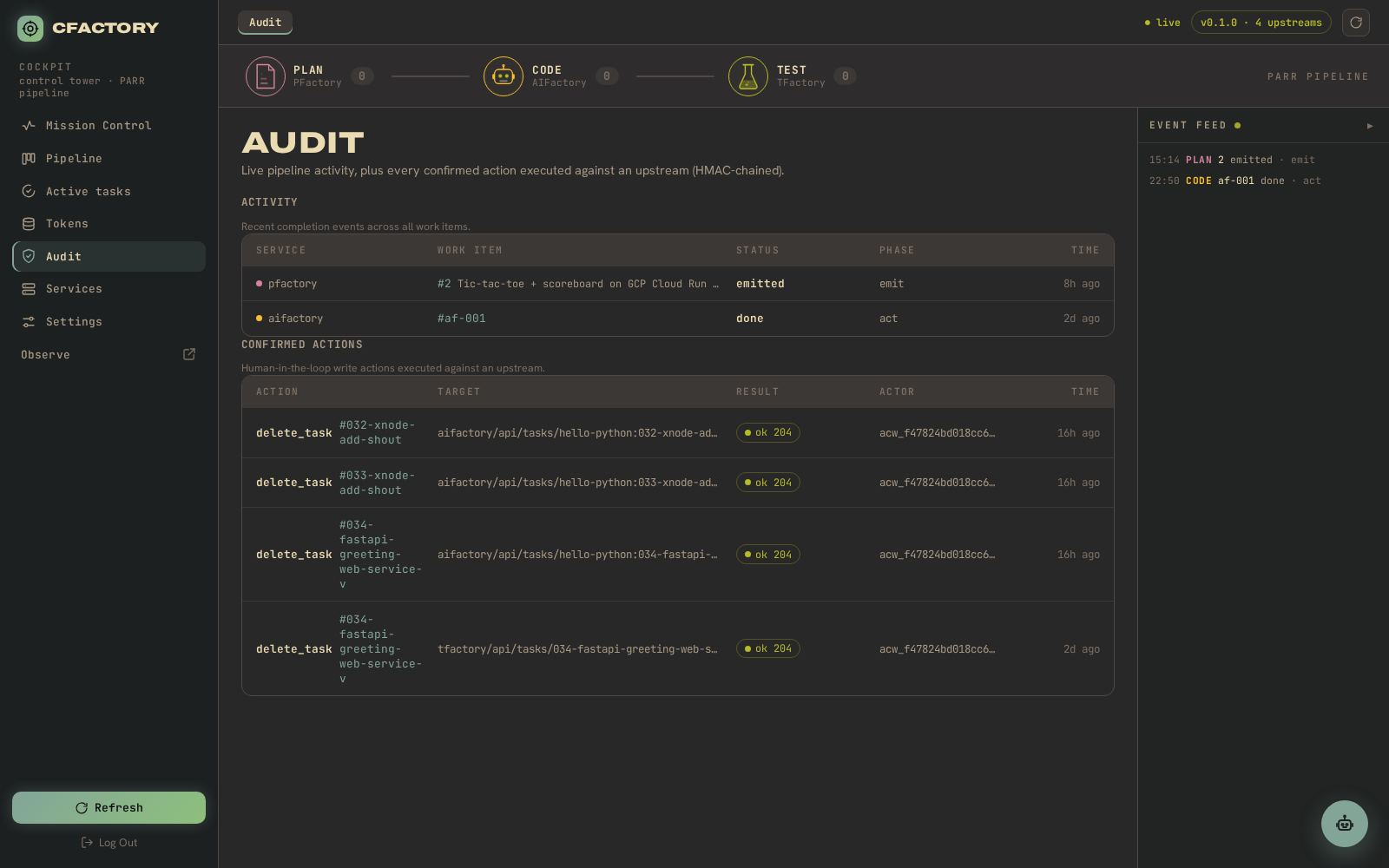
Audit
The signed, HMAC-chained audit trail of live activity and confirmed factory actions.
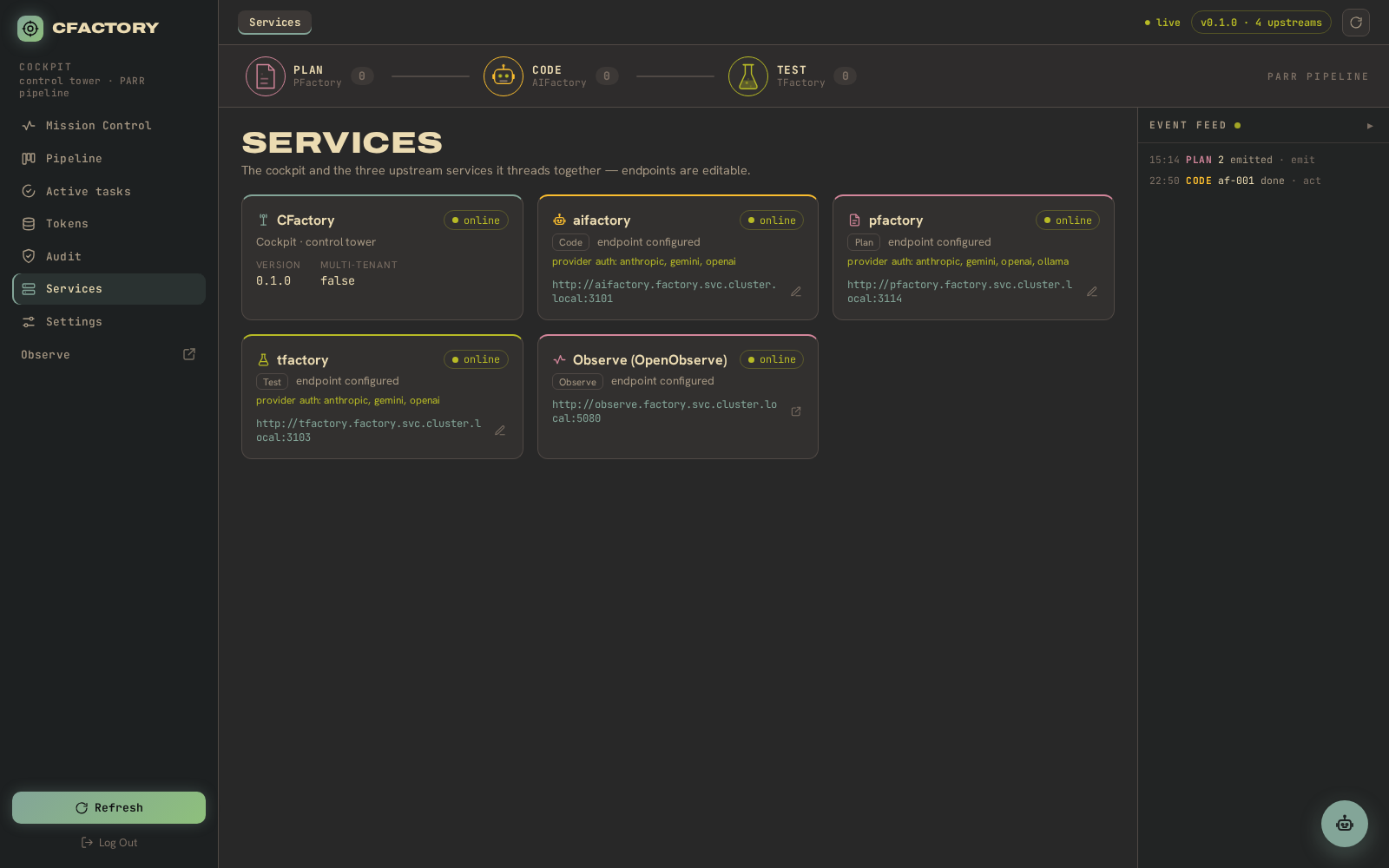
Services
Cockpit and upstream factory health, with editable endpoints.
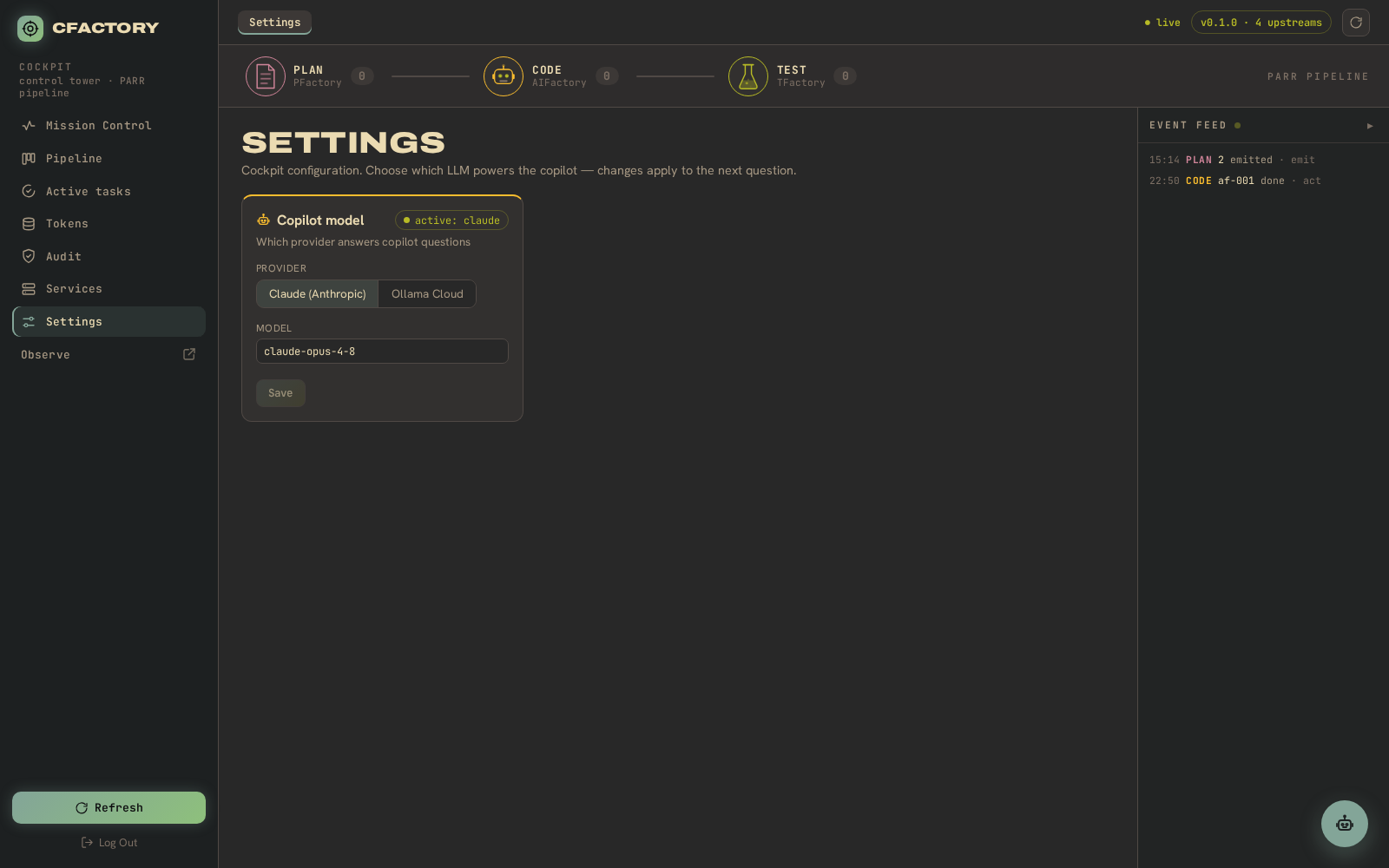
Settings
Copilot provider and editor-token settings.
Copilot
The floating copilot assistant – insights and chat over the live pipeline.